AIA Insurance Online Service

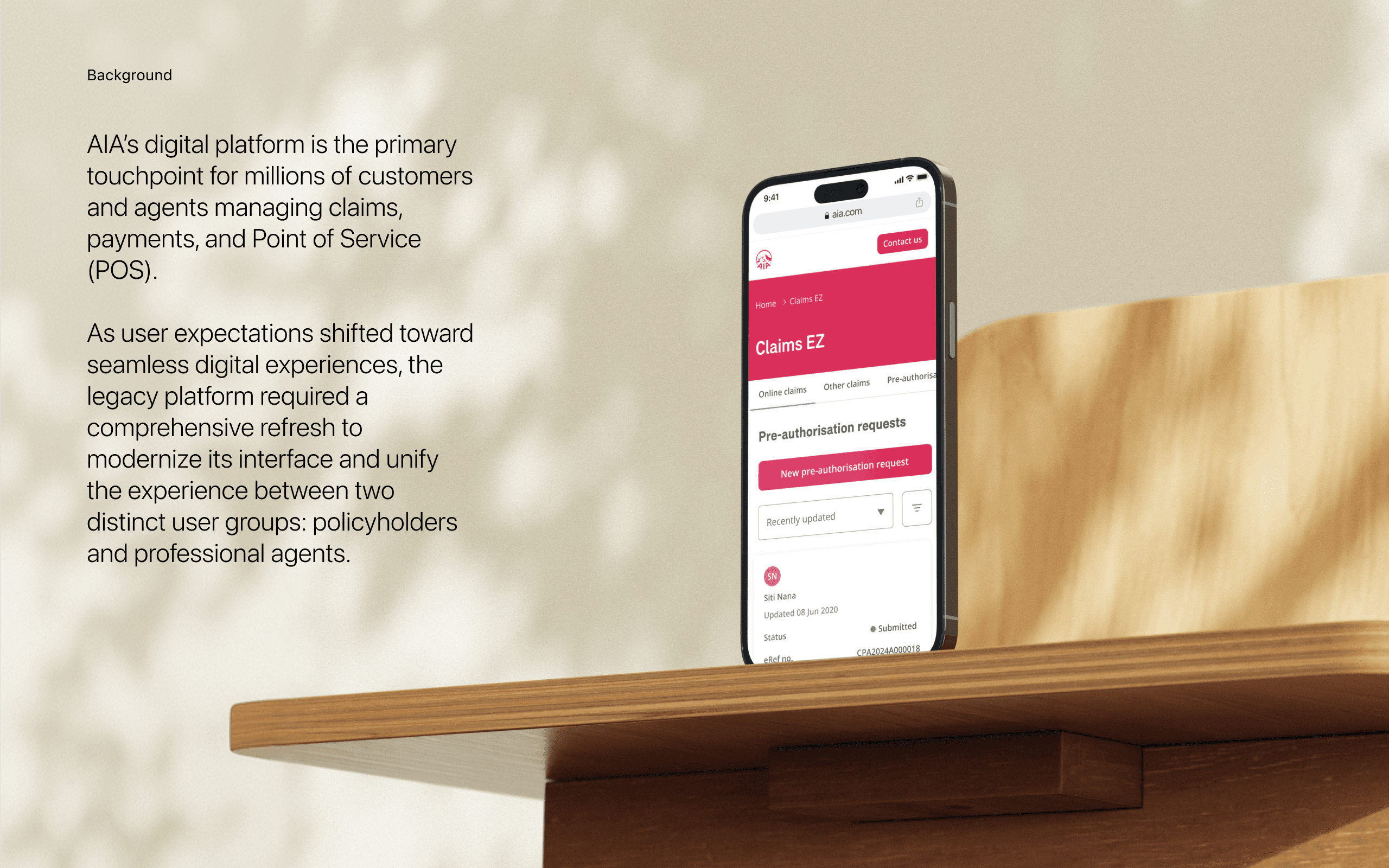
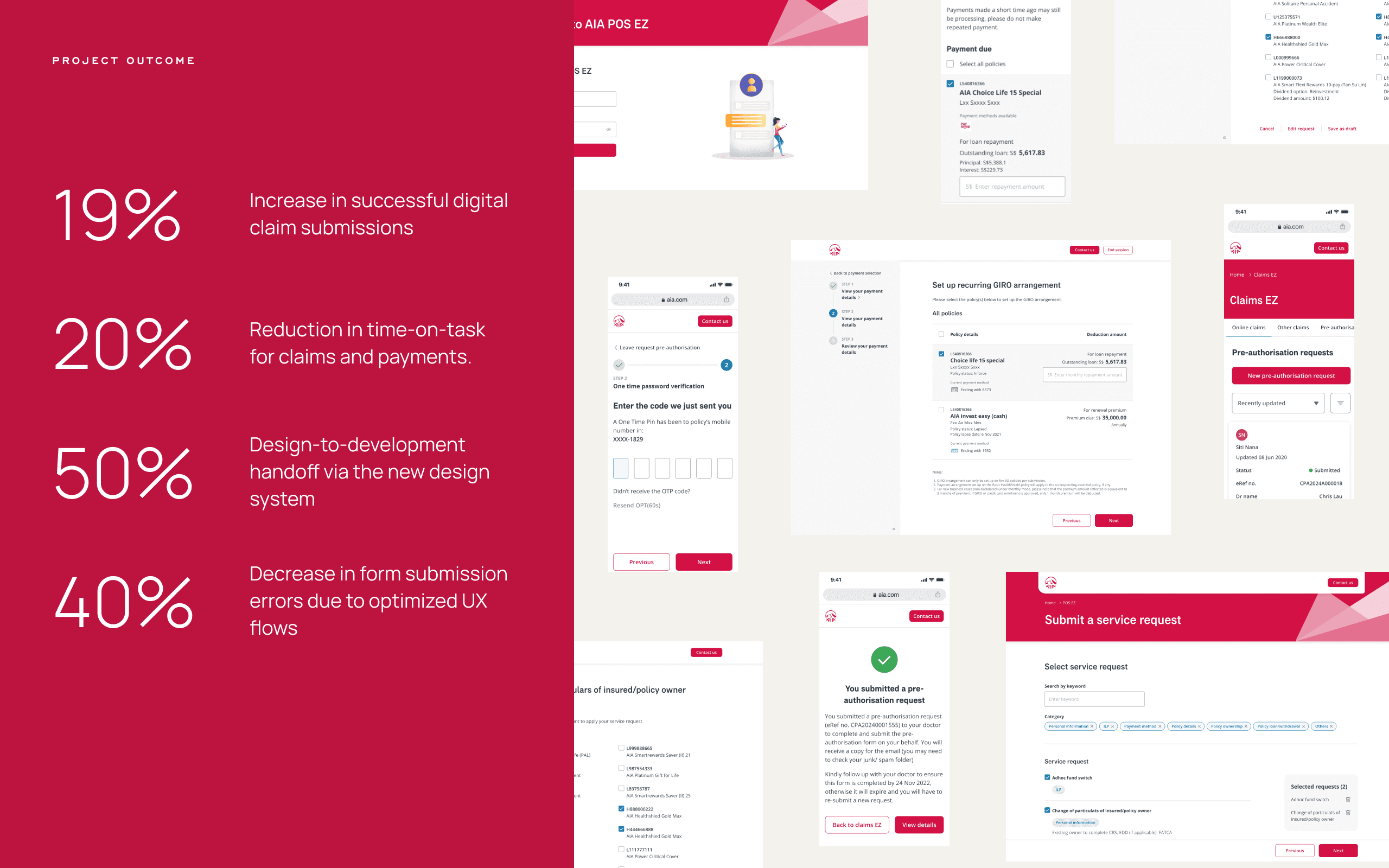
Enhance the flow and UI design of the customer and agent online service and implemented the new design system to ensure a consistent and cohesive user experience across the platform. Also, we conducted usability tests to validate the effectiveness of the design changes and gathered feedback to iterate and improve the overall experience.

Client

AIA

Category

Insurance

Role

UI/UX Designer, Wireframe, UI, Prototyping

Timeline

5 months, Aug 2022 - Jan 2023

Usability test and A/B test

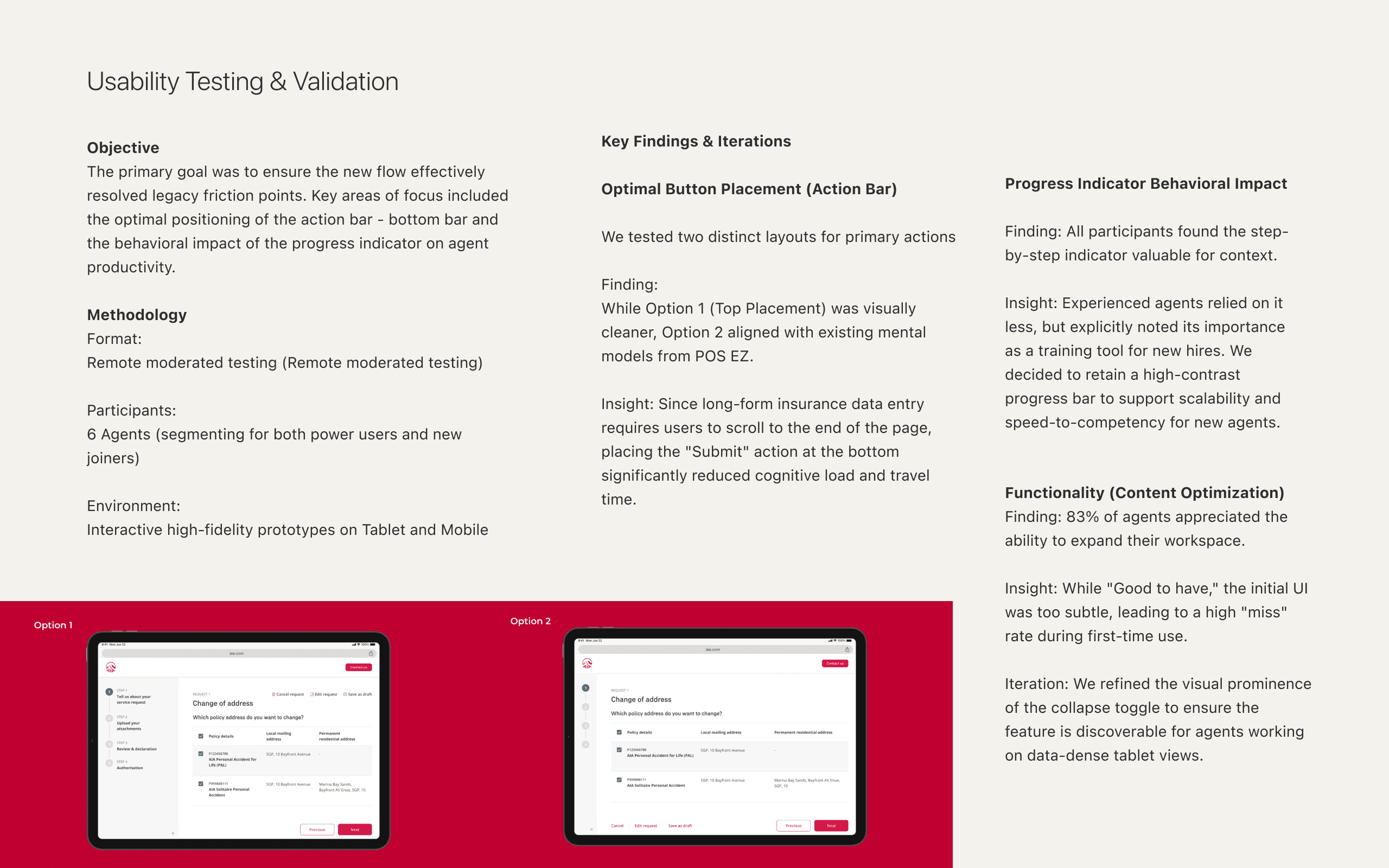
For the new design, we did the user test and A/B test to ensure the proposed flow is easy to use can fix their pain points. Also, the best position for the bottom bar and progress bar behavior

Method: Virtual Interview, 6 agents with tablet / mobile prototype screen

Key Findings

Most of the people can find the button and finish the task quickly

Button placement - Most of them select option 2


Option 1: 2 ppl

  • Visually more pleasant as there is less clutter

  • Clear distinction between the functions

  • Good for long page as they can see it at the top, however if user has already scroll down, they will need to scroll back up


Option 2: 4 ppl

  • Same behaviour with the current POSEZ

  • All action buttons are placed together

  • With long page, placement is still good as the user need to scroll down to fill all the fields

Progress bar

  • All agents find the step indication useful.

  • 3 out of 6 agents are very experienced with POSEZ, the step indication are not that important to them, however all of them think that it will benefit newer agents.

Collapse function

  • 5 out of 6 agents have positive feedback on this function, as it gives them wider space to view the content

  • Most of them think this function is good to have, but not a required function

  • 3 out of 6 agents feedback that they will utilise this function

  • However, most users missed out this function as visually it is too subtle

Other insight & suggestion

5 out of 6 agents do not use the ‘add/delete request’ function in current POSEZ

  • All agents prefer to use iPad for both POSEZ and ClaimEZ, only 2 agents mentioned they will use their mobile phone when it is absolutely necessary

  • 1 agent was showed the new POSEZ service request selection page to 1 agent and the feedback is positive

  • 1 agent was showed the new POSEZ review page and the feedback is positive

In general, most agents are excited to use the new POSEZ, and asked when will it be live